Sidebar
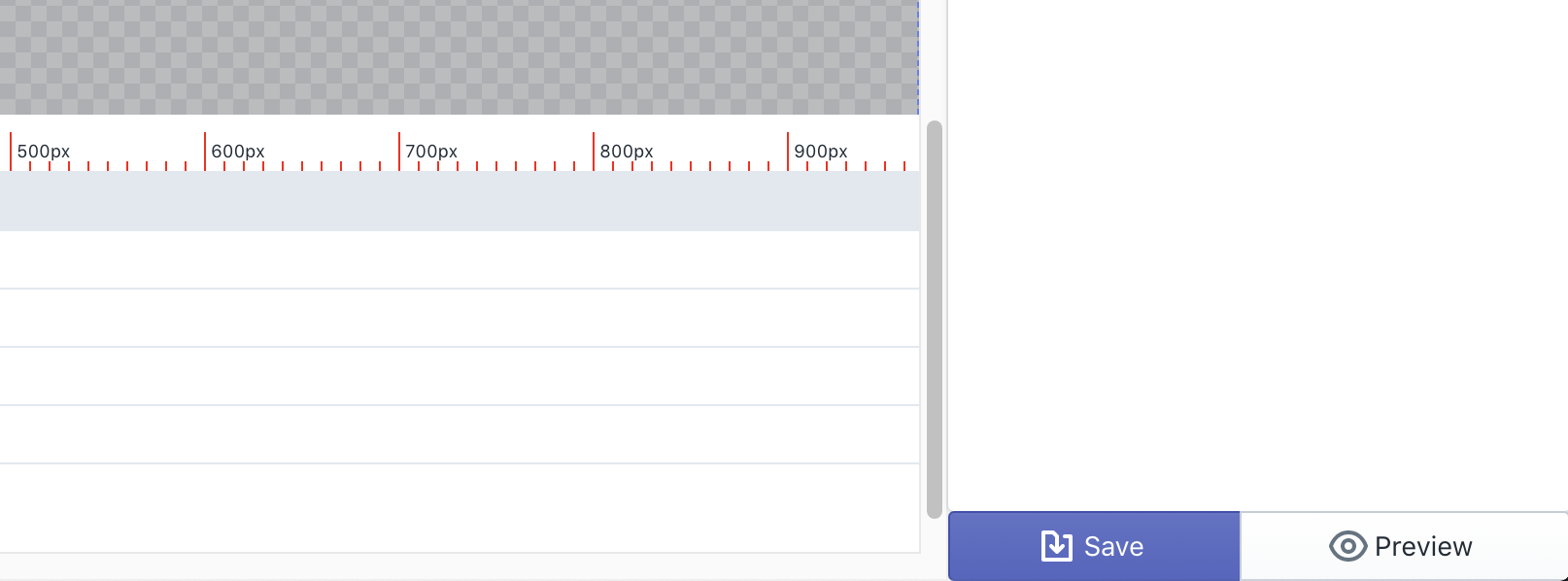
In this section of the editor you'll find canvas, scene & layer settings, as well as your save and preview buttons.
Canvas Settings
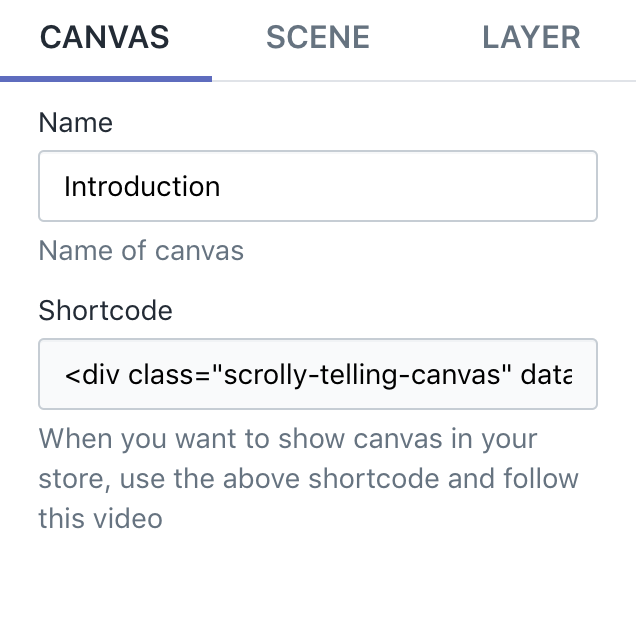
In the Canvas Settings, you can give your canvas a name and copy Shortcode of canvas to publish to your store.
Scene Settings
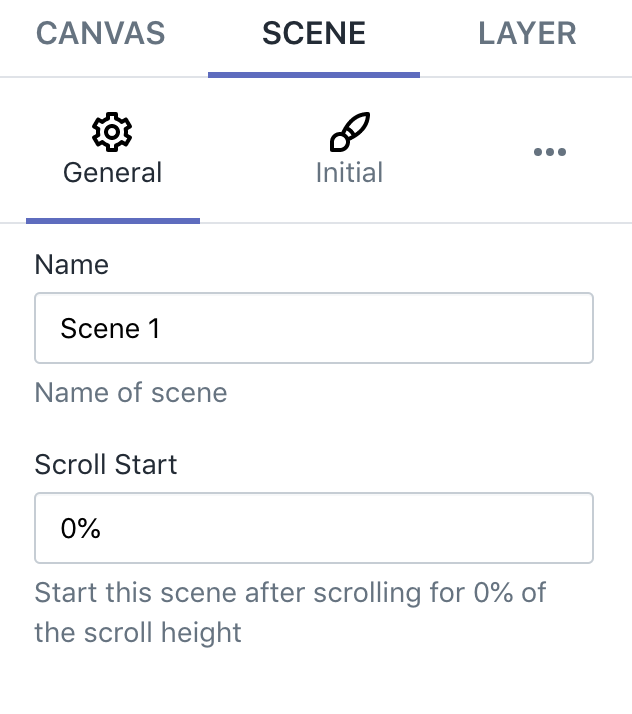
In the Scene Settings, you will have 3 sub setting groups: General, Initial, Animations
General
In this group, you can give scene a name, control scroll start of scene
Initial
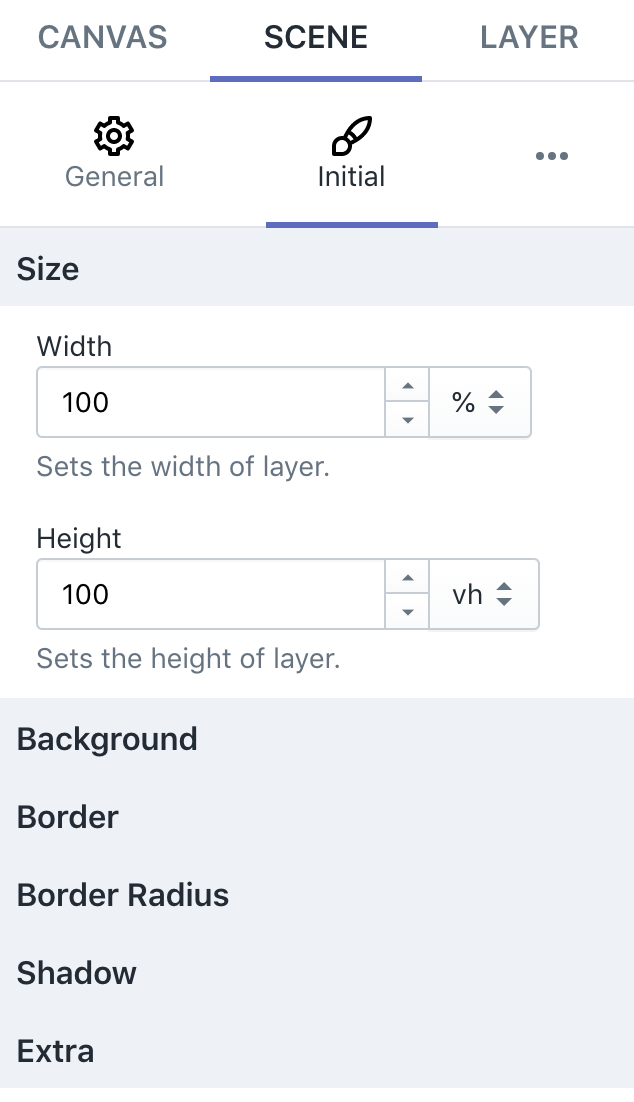
In this group, you can set initial styles of scene: size, background, border, ...
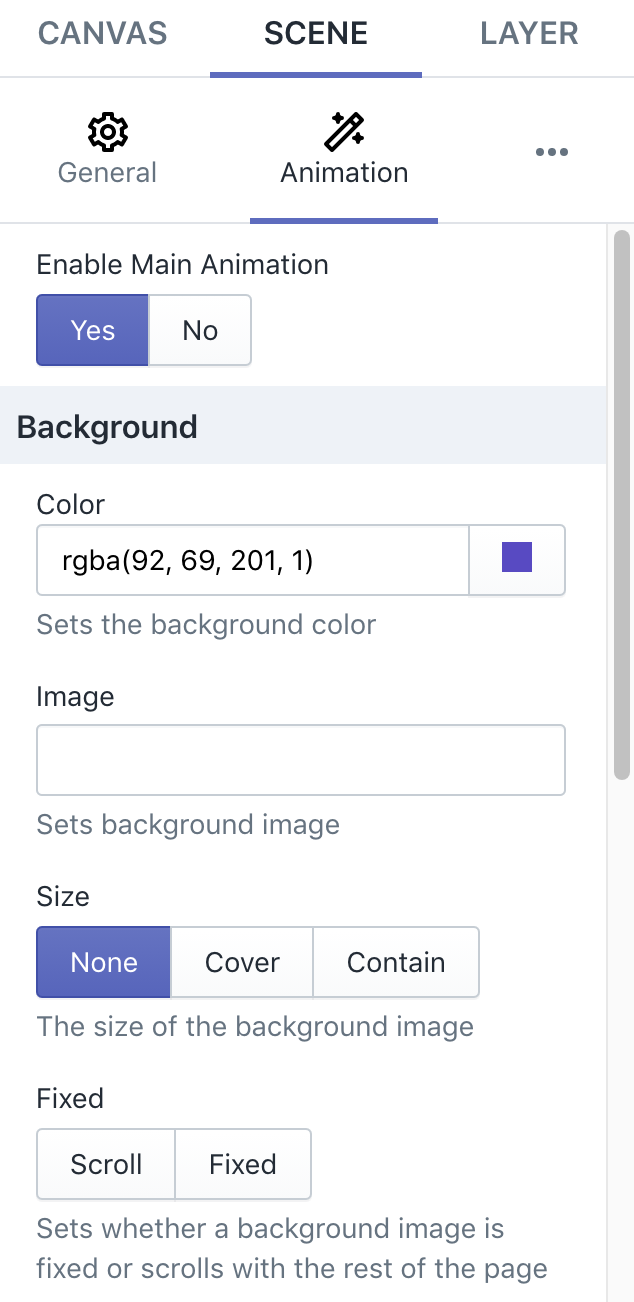
Animations
In this group, you can set styles of a animation for scene: background, border, ...
Layer Settings
In the Scene Settings, you will have 4 sub setting groups: Content, Initial, Animations, Hover
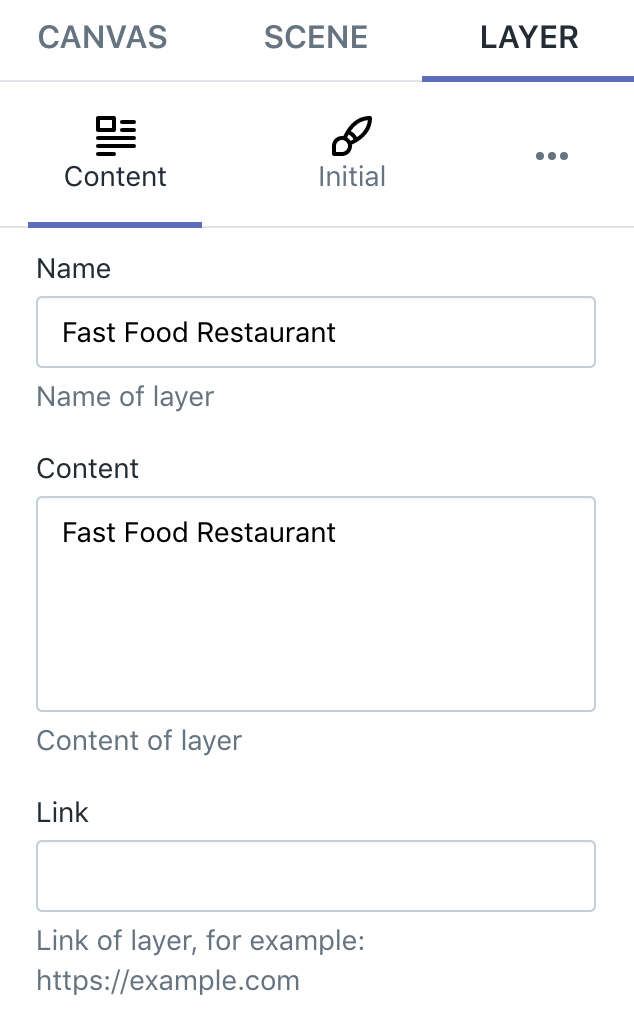
Content
In this gorup, you can control content of layer: name, content, link.
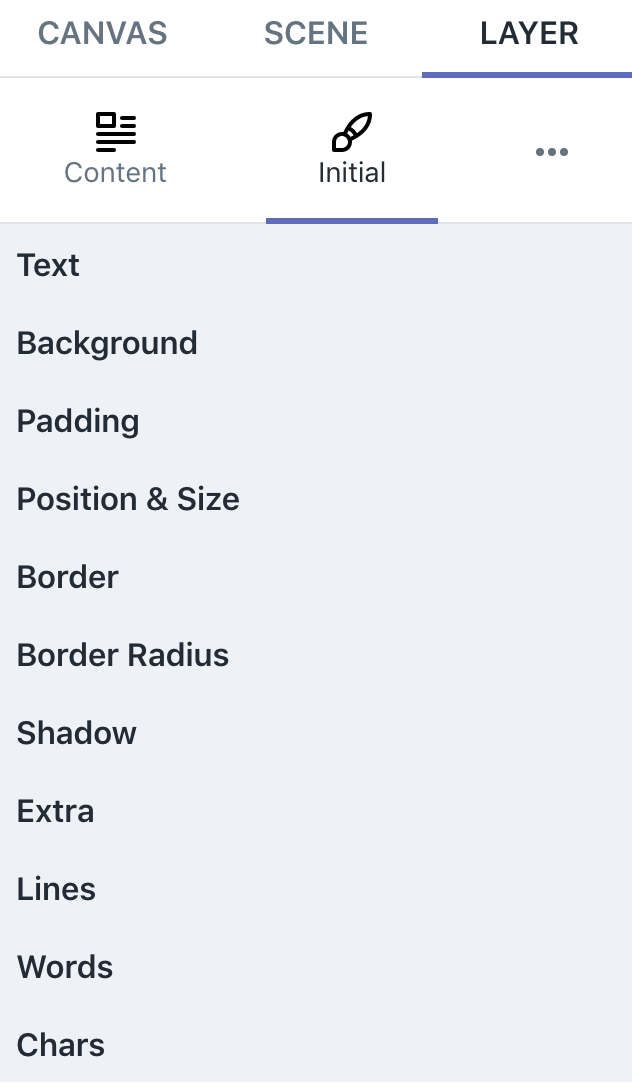
Initial
In this group, you can set initial styles of layer: size, background, border, ...
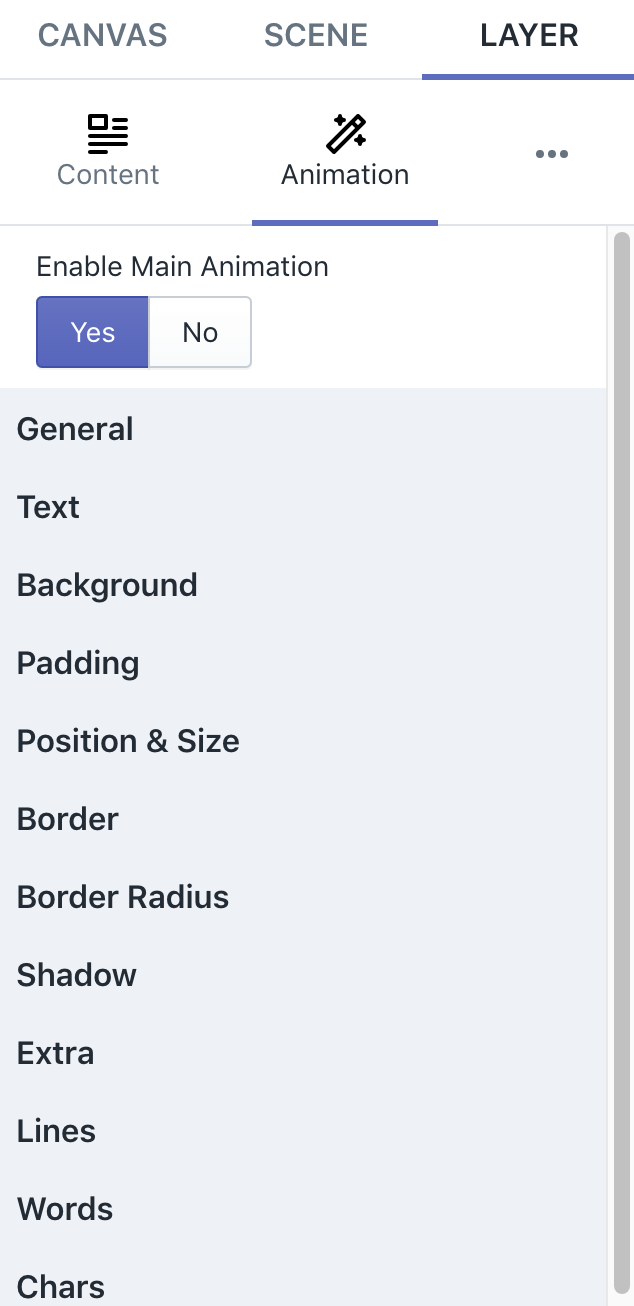
Animations
In this group, you can set styles of a animation for layer: animation, background, border, ...
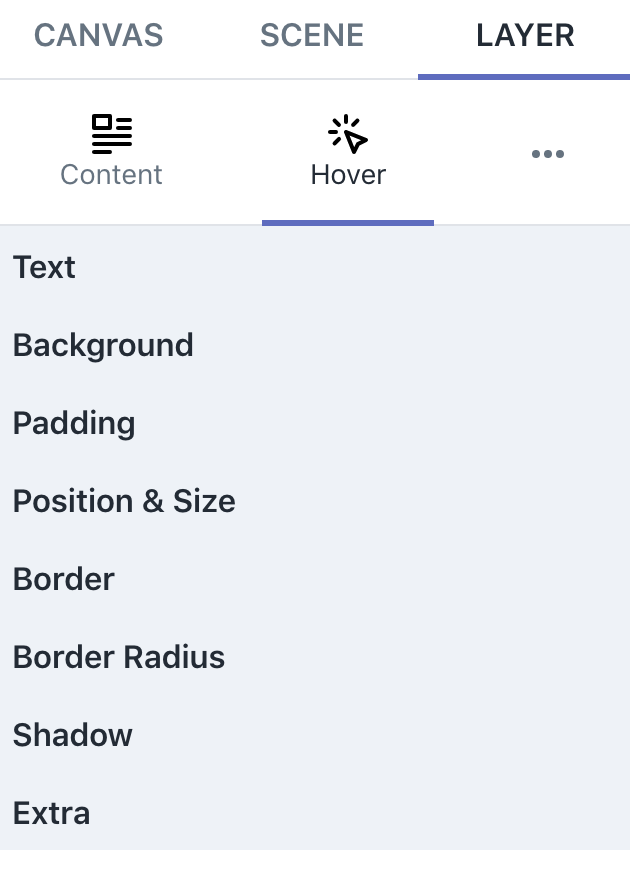
Hover
In this group, you can set styles of layer when user moves mouse over the layer: color, background, border, ...
Saving & Previewing
Saving the changes you’ve made to your canvas can be done by clicking the blue Save button at the bottom of the sidebar, and when you click the Preview button next to it, a window will appear showing how your canvas will look when published.